Nowadays, most of us are spending more time in front of our computers and TVs than ever before. So many of our work and leisure activities depend on these devices, adding up to hours upon hours of screen time each day. For many, looking at screens for such long periods can lead to dry eyes, eye fatigue, headaches, and general discomfort.
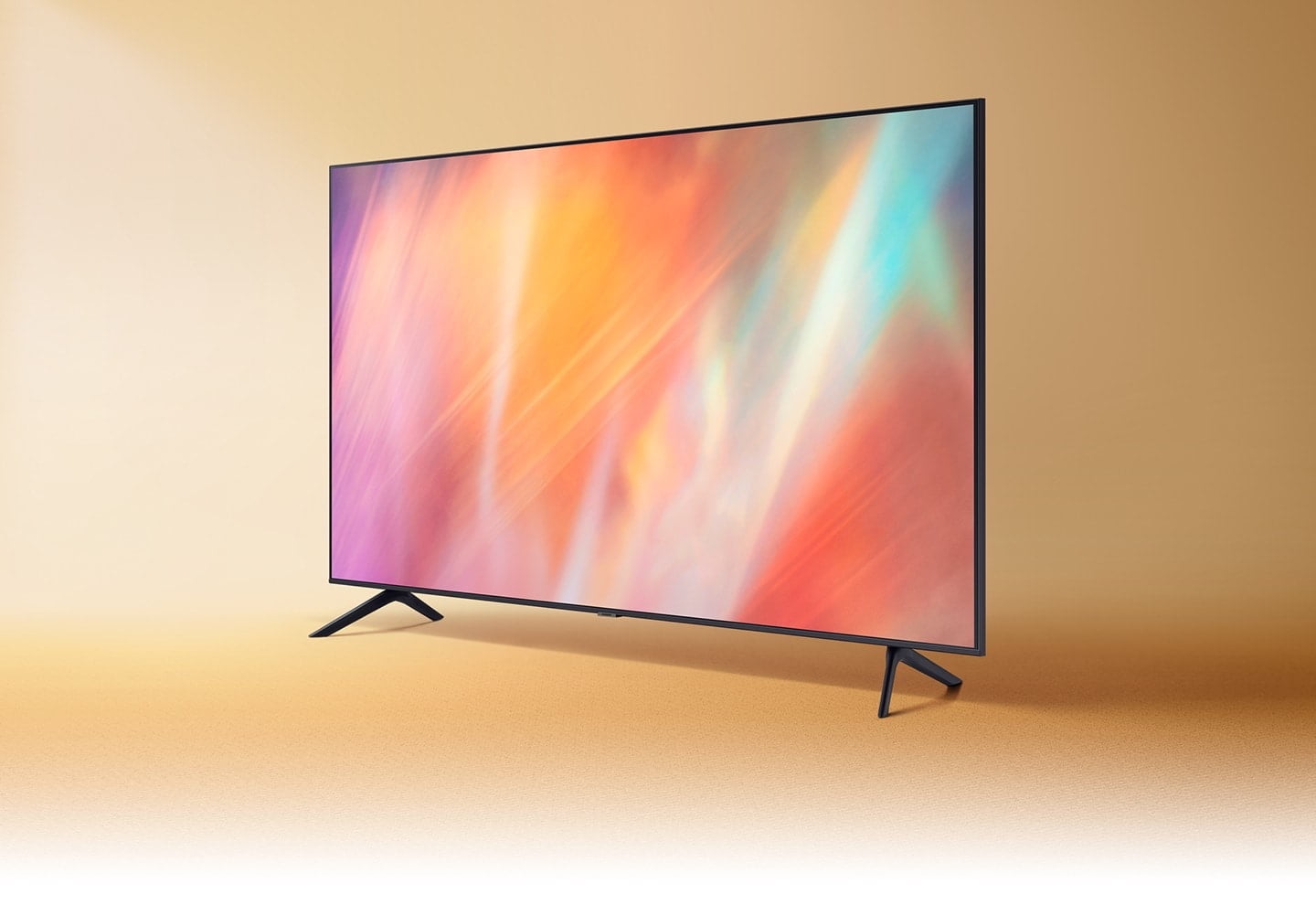
Contrary to the old wives’ tale that too much screen time can make you go blind, the effects of eye strain are temporary and usually resolve themselves in a few hours. Of course, there’s no reason to endure them while you’re working on your computer, gaming, or watching your favorite show on a beautiful new smart TV. Installing a light source directly behind your TV or monitor can not only relieve eye strain but also boost your picture quality significantly as well. The technique of placing a source of light behind a screen is commonly known as bias lighting. In this article, we’ll explore how bias lighting works and what benefits it can bring to your viewing experience.
Alleviates Eye Strain and Headaches
Constant exposure to bright TV screens or monitors, particularly if the rest of the room is dark, can rapidly tire out your eyes. This is because our eyes aren’t built to adjust to the level of light emanating from the brightest point in the room. Instead, they attempt to adjust to the average brightness across our entire line of sight. Hence, processing the high degree of contrast between the bright light from your screen and the surrounding darkness can overwork your eyes and make them feel dry, tired, or strained.
Bias lights relieve eye strain by increasing the amount of general illumination in the room. The light they emit also tends to be soft or diffused rather than harsh, which should make it easier for your eyes to adjust.
Minimizes Glare
If the contrast between a bright screen and an otherwise darkened room is the main culprit when it comes to eye fatigue, can’t you simply switch all the lights on? Funnily enough, many common lighting configurations used in the home can also hinder clear and comfortable screen viewing.
In your typical living room or home office, you’ll usually have ceiling lights, floor lamps, and table lamps. These light sources will likely be located above, in front of, or to one side of the screen. Thus, while they do illuminate the room, they’ll also project light onto the viewing surface. This reflected light creates glare and haze on your screen, making the projected images more difficult to see.
Bias lighting, meanwhile, is placed behind the viewing surface. This brightens your surroundings without shining any light directly into your eyes or onto your screen itself. You’ll get all the benefits of a more illuminated room without having to deal with problematic glare or other visual distortions.
Improves Visual Quality
Besides saving your eyes from fatigue and discomfort, lighting your screens from the back also makes your picture look better. This is because the indirect light heightens the contrast of the on-screen image, which in turn makes it appear richer and sharper to the viewer. More specifically, the shades of black and gray on your screen will naturally appear richer to you when they’re set against a light background, like an illuminated wall. In contrast, those same shades will appear more washed out against a darker background.
Reduces TV Wear and Tear
Related to the above, most people raise the brightness and contrast levels on their TVs and monitors to achieve pleasing levels of color intensity. Changing these settings too often or leaving them cranked up high for too long, however, can shorten the lifespan of your screen’s internal backlight mechanism. High brightness and contrast settings will also increase your device’s power consumption, driving up your electric bill in the process.
If your viewing environment already helps increase contrast and improve the quality of the image on your screen, then you can comfortably turn the brightness down. This will protect your device from too much everyday wear and tear and save you a lot of power in the long run.
Easy to Buy and Install
If you’ve been thoroughly sold on bias lighting and want to begin taking advantage of its many benefits as soon as possible, you’re in luck. A functional bias lighting system is not only easy to set up but quite inexpensive as well.
If your TV or monitor is set some distance away from the wall, a regular lamp assembly placed behind the screen should serve your purposes just fine. A metal shop lamp with a clamp attachment, for example, can shine light up into the space behind your device and along the walls. You can also attach a thin strip of small LED lights to the back of your device—a perfect solution for wall-mounted TVs that leave no space for regular lamps.
Bias lighting is a simple, effective, and affordable solution to headaches, dry eyes, and eye strain caused by viewing bright screens in dark rooms. With a little installation work, you can turn even the longest binge-watching marathon into a completely comfortable, high-quality viewing experience for yourself and your family.

Leave a Reply