GeekyFaust | Tech News & Reviews Philippines

Technology News and Reviews Philippines

  • Home
  • About
    • Contact Us
  • Blogs
  • Tech
    • How To’s
    • Reviews
    • Gaming
    • Guides
    • Editorial
    • Telecoms
    • Software
  • Gadgets
    • Laptops
    • Mobile
    • Hardware
You are here: Home / Mobile / UnionBank Send and Receive Funds via QR Code now official

UnionBank Send and Receive Funds via QR Code now official

July 14, 2020 By Faust Principe Leave a Comment

Like0 Facebook0 Tweet0 Email0

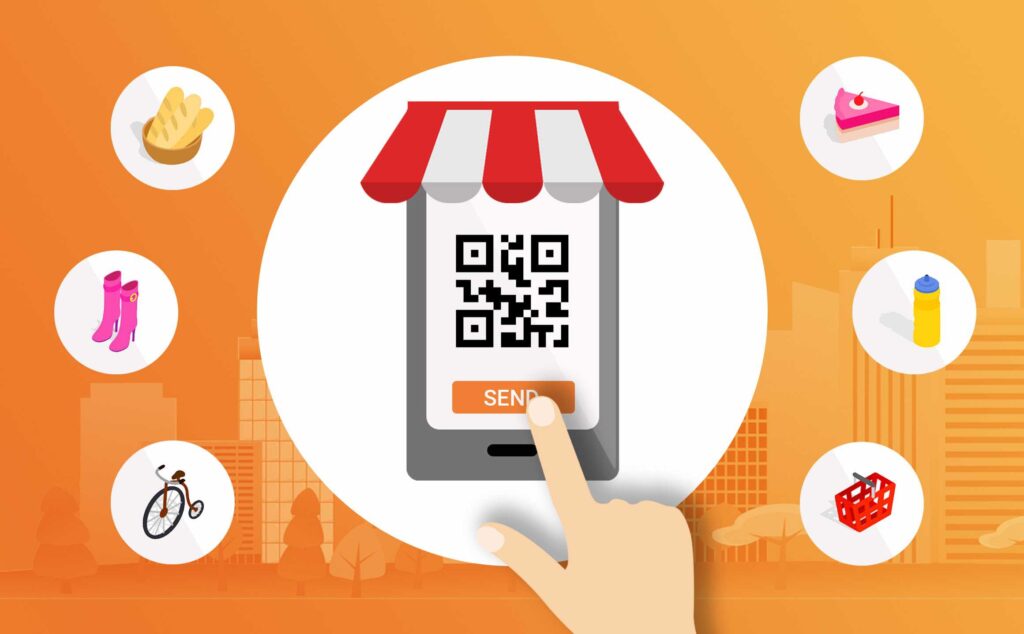
UnionBank Philippines offers Create & Share QR Code for faster online payment transactions
UnionBank Philippines

As part of their extended banking service, #BankFromHome initiative, and online transactions as the new normal, UnionBank offers contact-less payment thru their UnionBank Online portal.

Available in three (3) different flavors to choose from for your mobile devices: Android, iOS, AppGallery.

Create and Share a UnionBank Online QR Code for faster payment transactions

Offering payment options is an advantage. There are many ways to transfer on UnionBank Online, but if you’re chatting with your friend or a buyer the easiest way, by far, is to use QR codes.

Simply create and share the QR code via SMS or a different messaging app like Viber or Facebook messenger without giving away your account number.

How to Share UnionBank QR Code to Receive Money Online

UnionBank Philippines

STEP 1:

Log in to your UnionBank Online account

STEP 2:

Select the QR code icon on the top of the screen

STEP 3:

On Generate QR tab, choose deposit account and enter the amount you wish to request

STEP 4:

Select Generate QR Code

STEP 5:

Select Share QR Code and choose how you want to send the code

Login to begin the transaction.

In addition, please follow their how to section on transferring funds online

Source: (1)

About UnionBank of the Philippines

UnionBank embraces the future of banking and is committed to be the Philippines’ leading digital bank to best serve the growing needs of Filipinos everywhere.

The Bank has always been among the first to embrace technological innovations to empower its customers.

With this, it has consistently been recognized as of one of Asia’s leading companies, ranking among the country’s top universal banks in terms of profitability and efficiency.

UnionBank’s Digital Transformation Strategy reinforced its commitment to deliver superior customer experiences and promote inclusive prosperity in the country.

For several years, the Bank was renowned “Best Digital Bank” by prestigious institutions, and also recognized in areas of transformation, people, and culture.

With its drive to “Tech Up Pilipinas” and be an enabler of the Philippines’ push to be a G20 country by 2050, UnionBank stands firm in its promise to power the future of banking by co-creating innovations for its customers and for a better world!

The corporate governance of UnionBank of the Philippines is founded on a culture of fairness, transparency and accountability, and demonstrated by consistent ethical business conduct.

Share this:

  • Facebook
  • X

Related

Like0 Facebook0 Tweet0 Email0

Filed Under: Mobile, News Tagged With: mobile banking, mobile banking facility, online banking, UnionBank Online, UnionBank Philippines, UnionBank Share a QR Code

About Faust Principe

Faust is the author and founder of GeekyFaust. You can follow him at facebook.com/geekyfaust don't forget to like and share!

This site uses Akismet to reduce spam. Learn how your comment data is processed.

Recent Stories

Crafting Effective Oil Trader Strategies with Options Skew

Yield Farming and Stablecoin Pools: The Bitcoin-ACryptoS Connection

Bingo Rules You Need To Know

The Effects of Technology Advancement to PH Gambling Scene

The Future of Payments – How Digital Currencies Are Transforming the Industry

GeekyFaust is a site for technology news, gadgets, and reviews. We provide technical information for non-techies and techies alike. Established on June 16, 2009.

LATEST TECH STORIES

Oppo Top Stories
Telco Top Stories
Xiaomi Top Stories
Epson Top Stories
Secretlab Top Stories
Lenovo Top Stories
Android Top Stories

POPULAR TOPICS

Mobile Phone / Smartphone
Latest News
Tech Reviews
How To's
Guides
Tech Gadgets
Local Telco
Computer Hardware
Software & Apps
Gaming

TRENDING POST

How to activate and register DITO SIM
How to apply for BDO Teacher Salary Loan
How to register and activate Veterans Bank ATM Online Banking
How to apply for Teacher Loans at China Bank Savings
PS Bank Online E-Banking
UnionBank Send and Receive Funds Online
How to apply for a EastWest Bank Teacher Loan

TOP MOBILE BRANDS

Asus AOC Black Shark Epson Fujitsu Sony Xiaomi Apple Nokia Cherry Mobile Oppo ZTE MyPhone Cloudfone Lenovo Samsung Secretlab Motorola Huawei LG Xperia MediaTek Vivo Klevv

Copyright © 2023 GeekyFaust Back To Top Disclosure Privacy Policy Reviews Policy Sitemap Facebook Twitter LinkedIn
Share this ArticleLike this article? Email it to a friend!

Email sent!