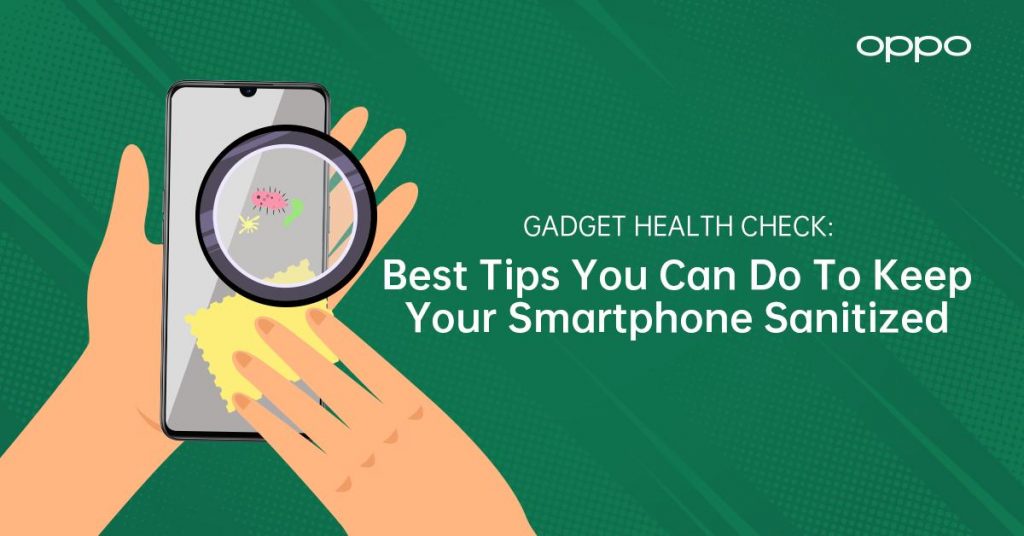
Make it a habit to smartphone sanitize the one thing you always have on hand
There’s no better time than now to be extra careful in keeping your smartphone clean, especially since this is our everyday driver that we can rely on that ends up getting a lot of exposure. Make sure to do your part in staying safe!
According to a study published in February 2020 under the Journal of Hospital Infection, viruses such as the COVID-19 are capable of surviving up to nine days on smooth surfaces, and that includes a smartphone screen.
“We touch our smartphones more than anything especially now that we try to stay connected to our loved ones who are away from us and keep updated on the latest news.
But it can pose a health risk, especially that dirt gets easily transferred into our phones.
So, in light of the current COVID-19 situation, we strongly encourage our consumers to practice proper smartphone sanitation in order to protect themselves from contracting the virus,” says Zen Han, OPPO Philippines’ VP of National Sales.

Sanitation is key in keeping clean and safe, making it particularly relevant for Filipinos who are very active smartphone users.
Aside from constantly washing your hands with soap and water as advised by the World Health Organization, make sure to practice these tips on properly and safely cleaning your phone, highly recommended by OPPO Philippines:
Go on these 6 smartphone sanitation tips
- Wash or sanitize your hands. To avoid transferring any harmful bacteria, make sure to sanitize your hands before and after you clean your phone.
- Ready a soft, lint-free, or microfiber cloth. Avoid abrasive cloths such as towels and paper towels. Using such may damage the surface of your screen.
- Use 70% Isopropyl Alcohol. Isopropyl Alcohol is a highly effective disinfectant against viruses particularly the ones with 70% concentration. Anything beyond it may evaporate too quickly. When cleaning your phone with alcohol, make sure to use cotton balls or felt-tips swabs when cleaning harder to reach areas like ports and mics and to avoid liquid spilling on such parts that may cause damage to internal components.
- Use liquid hand soaps with alcohol content. If Isopropyl Alcohol is not readily available, you may use hand soaps with alcohol content. Add a few drops on the screen and gently wipe the whole phone with a microfiber cloth. Make sure to avoid getting moisture in any openings. Wipe off the soap with a damp microfiber cloth afterward, and then dry your phone off with a clean, dry microfiber cloth.
- Avoid using harsh home cleaning products. Window and household cleaners with strong chemical components like ammonia or hydrogen peroxide may damage your smartphone screen.
- Use UV light sanitation. UV-C light, in particular, also used in hospital-grade disinfecting procedures serves as a potent solution that targets certain bacteria. UV devices can be used as well to sanitize your smartphone.
These simple ways have been proven to significantly cut down the number of bacteria found on a smartphone’s surface, as demonstrated by Dr. Lena Ciric, a microbiologist from University College London in this study.
Stay smart in making sure you’re doing your part in keeping safe, and always make it a habit to sanitize your phones!

Thanks for these ideas! I have been trying to clean my phone before I shower, just to make sure it’s nice and clean.