I’ve noticed classic browser-based games are making a comeback these days!
I remember looking back to my high school days in the 1990s when I arrived home from school, my late grandfather, whom I’m always fond of, in his spare time, is always playing this card game at his favorite desk inside a mini library.
Yes, that’s true, we have a mini library with various collections of books ranging from encyclopedias, magazines, and some hidden board games too, my cousins considered these as gems for classic gamers like you.
But what grabbed my attention is the card game I was all curious about what my late grandfather was playing, observing from an arm’s distance, and soon enough he showed it to me, then, BOOM! I learned it was solitaire.
To show you an example of how it works from my own personal experience; if I have a King card on deck (in black), so the next thing to do is to partner it with is Queen (in red) so both of them will be happy ever after and let the rest follow.
The solitaire card game is mobile-ready, playable with your smartphone, with this link and the desktop version right here. But wait, any of those links will redirect you depending on the device you are using.
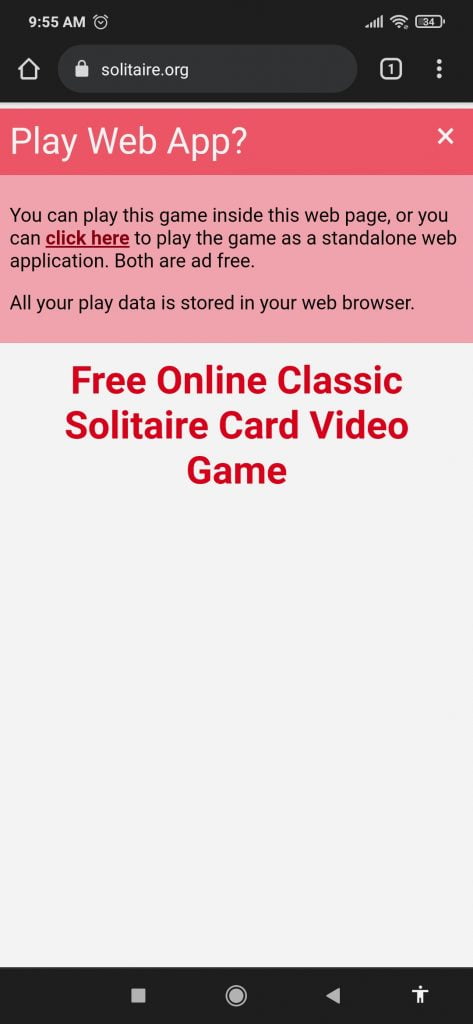
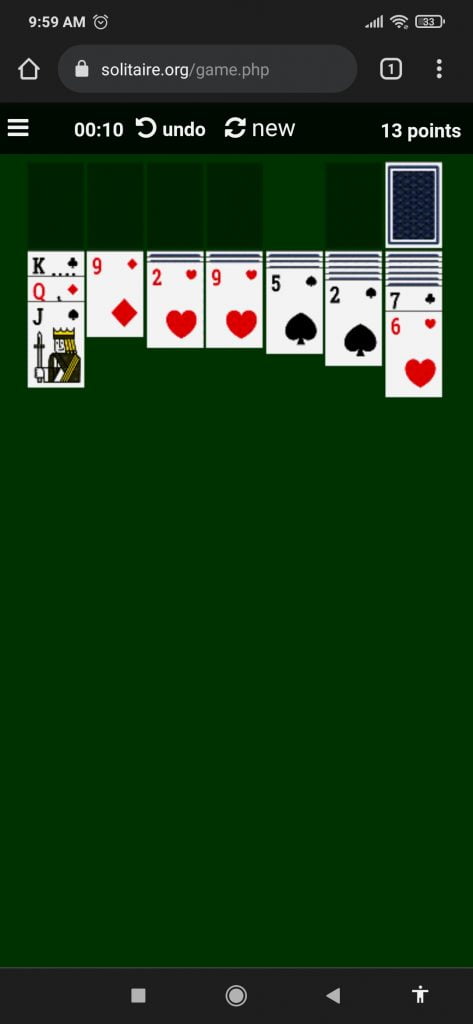
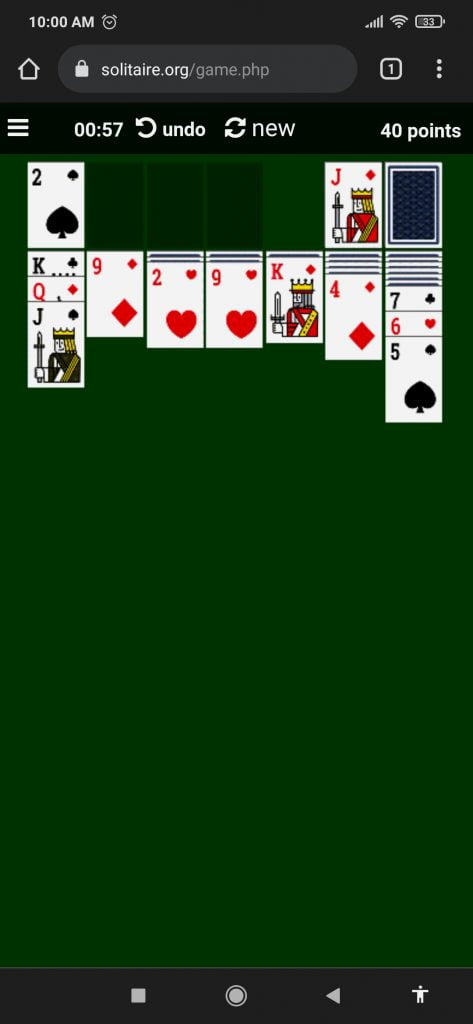

Once you are on the Free Solitaire Card Game the site automatically sets the deal on the table, in case you don’t like the card combinations, you have the option to start the game new to match your own preferences. Once the game starts all you have to do is point, drag, and click, using simple mouse controls.
The game itself is a test of your patience! One would imagine spending long minutes finding out how to win the game. Best of luck to the rest of us.

Mouse over the left menu, turn off the sound and adjust the settings.

They also have other games worth trying out too, check it out below:
Klondike Solitaire
Klondike Solitaire is a challenging card game that can be played alone. Looking back its history, it dates back 1700s in Northern Europe. The game didn’t make its way across the Atlantic to the USA and Canada until 1870 when it became known as Klondike Solitaire, then just “Solitaire”. Some people refer to it as “Klondike” or “Klondike Solitaire”, although this is mostly in the US and Canada, as opposed to Europe.
Spider Solitaire
Starting the game gives you three (3) gaming modes; Easy: 1 suit, Medium: 2 suits, Hard: 4 suits. The game automatically deals your cards to Tableau. If you do not like a deal, or you are stuck on a game, you can click the new deal button near the top center of the screen. This game allows you to shuffle through the reserve pile an unlimited number of times.
Freecell Solitaire
At the start of the game, and the loading progress reaches 100% click on the white and black start button. This will load the game’s welcome screen. To continue, click on the blue and white button in the bottom center of the game’s welcome screen to start your game. The game interface offers four buttons in the upper right corner: new deal, how to play, sound control, and exit game.
Pyramid Solitaire
The playing field is organized into a pyramid, with a row of one card, followed by a row of two cards, and so on, down to a final row of seven cards. The pyramid will consist of twenty-eight cards in total, shown face-up. The 24 remaining cards are in the draw pile, from which you can move across 1 at a time into the waste pile.
Tripeaks Solitaire
The playing field is organized into three pyramids, or “peaks”. There is a top row of three single cards (peaks of the pyramids) turned face-down, followed by a row of two cards, and so on, down to a final row of ten up-turned cards. Players earn a time bonus for completing the game quickly. The time bonus starts off at 1,000 points and counts down a point each second. If you finished the game in a minute and 18 seconds then it would be 922 bonus points.
Golf Solitaire
To play the game features seven rows of cards. Thirty-five cards are laid out in five columns, face-up. While the hard mode is significantly harder than the easy, the game scores the same way. If you want to switch between hard or easy mode after starting the game you have to click the blue X in the upper right corner then restart the game from the welcome screen & select the other difficulty level.
Mahjong Solitaire
To complete the game, the player must try to get the highest possible score. The playing field is organized with 144 tiles. Each of the 36 tile designs appears an average of 4 times, allowing you to make 2 pairs of each. Some tiles may show fewer matches while other tiles show greater, but they will always be in even increments so pairs can be made.
The site focus itself on solitaire games, it is playable both on mobile phones and desktop computers. You can also try other free collections of browser-based games such as Free Online Games, Match 3, Zuma Ball, Free Hidden Object, and Tennis.
Solitaire.org is completely non-subscription, ad-free, with no pesky glaring pop-ups on every game you choose, play anytime, and have the fun you want on any given day.
Lastly, since most of the games mentioned are classic hits, I’m looking forward to more games be added soon to their collections.
How about a remake of family computer games? like Contra Force, Salamander (LifeForce), Gradius, and the hard-to-find retro Starwars game?
Plus, can they add a feature wherein players or users like me can save their game progress without losing points? I would love that on top of my wishlist soon.
