Epson’s new, economical multifunction large format printers offer businesses enhanced capabilities without compromising quality

Epson introduces the SC-T3130M and SC-T5130M, a new line of entry-level and affordable multifunction technical printers that offer fast and accurate printing in a compact size. Perfect for architecture firms, construction and engineering companies, universities, F&B establishments, shops, and other businesses that require economical multifunction printing, these new printers promise outstanding speed and quality while delivering accuracy in every print.
Increased Productivity
With the ability to print accurate line placements, these multifunction printers are the ideal printing solution for blueprints, line drawings, graphics, and posters. Both models feature Epson’s PrecisionCore printhead technology which utilizes piezo elements to mechanically eject the ink, allowing for remarkable print speeds that produce A1 printouts in just 31 seconds.

Built-in Ethernet and Wi-Fi connectivity on the SC-T3130M and SC-T5130M allows users to share the printers for printing and scanning. Wi-Fi Direct is also available to support up to 8 Wi-Fi devices to connect directly to the printers without a router. The printers are equipped with Apple AirPrint to allow direct printing from Apple devices without the need to install drivers.
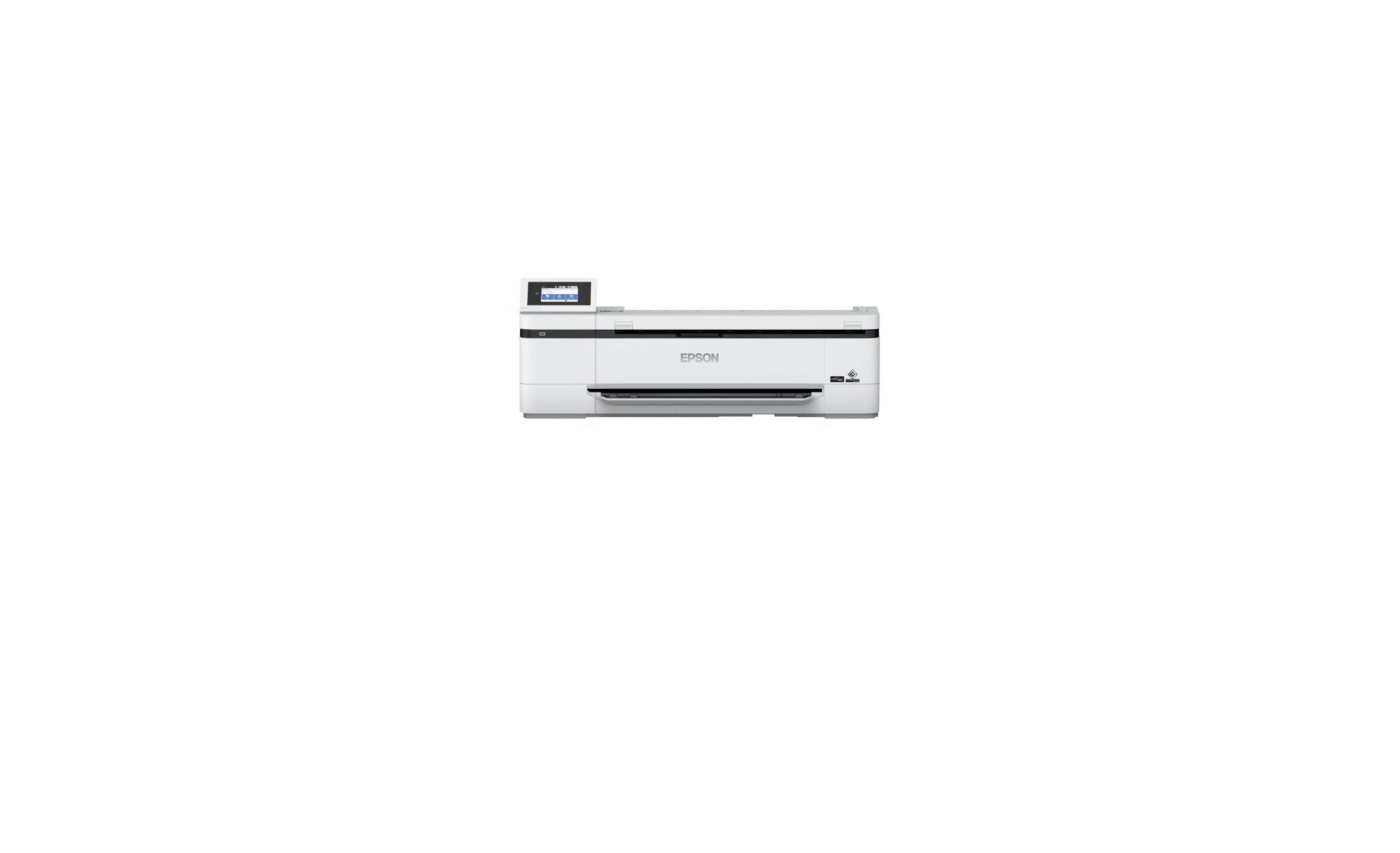
A 4.3-inch touch panel on both models makes setup easy and extra efficiently without needing a PC for operation. Accidental misprints can be prevented through a preview function before printing and printouts can be scanned and enlarged in just four easy steps without needing to connect to a computer.
Compact, User-Friendly Design
The most compact multifunction printers in their class, the SC-T3130M and SC-T5130M sport a minimalist design that makes them fit effortlessly in tight office spaces. As they are built for full-front operation, they can be placed in any corner of the office without taking up too much space.
Ergonomically designed to be comfortable for users of different heights, the SC-T5130M printer’s smart design can be adjusted to comfortably load media and operate the printers. The printer is designed to allow the loading of a range of paper sizes. Users can preload roll paper and up to 50 sheets of cut-sheet paper with the auto sheet feeder and the correct media will be used automatically with the auto-switch feature. The printer will even print and cut printouts without dropping them from the printer until they are ready to be collected.
Multifunction printers
With most businesses today on the lookout for office machines that offer the best productivity at reasonable costs, users will welcome the integration of a scanner in the printers’ multifunction design. Eliminating the need for a separate machine, the built-in scanners allow users to duplicate or convert technical or architectural drawings, retail posters, and general documents in great detail and send saved images to network folders, through email, or directly to a USB drive.
The SC-T3130M and SC-T5130M come with utilities that enhance usability and productivity: set up and deploy printers efficiently with Epson Device Admin and EpsonNet Setup Manager. To save time and costs, the SC-T3130M and SC-T5130M are also equipped with the Epson Cloud Solution PORT to monitor production and consumable status from any location with an internet connection, reducing downtime by providing information about issues to the service personnel attending to your case.
“By collaborating with our customers, we understand the importance of creating seamless workflows in an office setting. Our new entry-level multifunction printers enable this and offer fast and accurate multifunction printing solutions for a wide range of industries,” said Mr. Ed Bonoam, Head of Marketing, Epson Philippines Corporation.
The Epson SureColor SC-T3130M and Epson SureColor SC-T5130M multifunction printers will be available in the region beginning August 2021. Please contact your local Epson Authorised Dealers stores for more information.

Leave a Reply